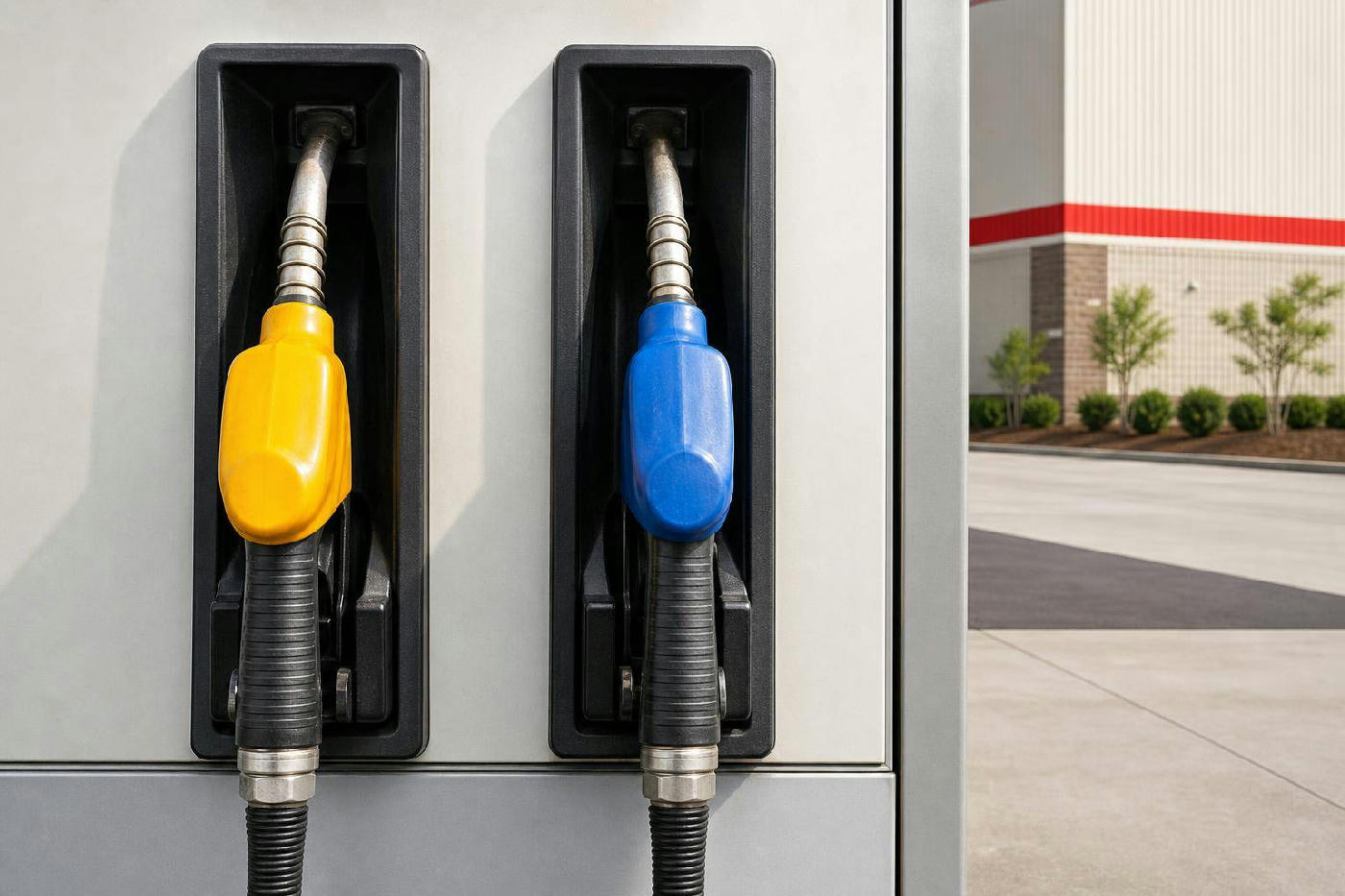
For regular Costco customers, knowing how to check gas prices online can greatly aid in budgeting and planning. With gas prices constantly changing, access to real-time data can be a significant advantage. This guide explores how to view Costco's gas prices online and offers tips to maximize savings and convenience.
Understanding Costco Gas Prices: Why They Matter
Costco is known for its competitive gas prices, thanks to its bulk sales model that allows passing savings to members. Regularly monitoring these prices is crucial for making informed decisions about when and where to refuel, ensuring members always get the best deal. Costco stations, often located near warehouses, offer convenience and significant savings over time, especially for those with long commutes or fuel-intensive vehicles. Additionally, Costco gasoline often exceeds industry standards, enhancing its value.
Gas price fluctuations can also reflect broader economic trends, influenced by crude oil prices, seasonal demand, and geopolitical events. By tracking these prices, consumers can better understand market dynamics and plan purchases accordingly. Ultimately, checking Costco gas prices online empowers consumers to make informed decisions that align with their financial goals.
How to Check Costco Gas Prices Online: A Step-by-Step Guide
Checking Costco gas prices online is simple but requires specific steps for accuracy and efficiency. This guide will walk you through the process to easily monitor gas prices at your local Costco.
Step 1: Access the Costco Website
Start by visiting the official Costco website, a comprehensive resource for fuel prices. On the homepage, look for gas prices under the 'Warehouse' or 'Gasoline' tab. Enter your zip code or allow location access to get the most relevant information for your area. Ensure you select the correct warehouse, as prices vary by location.
Step 2: Use the Costco Mobile App
The Costco mobile app is a convenient option for checking gas prices on the go. After downloading and installing the app, sign in with your membership details. The app provides a direct link to gas prices and allows you to set your preferred warehouse location for quick access. It may also offer notifications for price changes, useful for frequent travelers monitoring prices across locations.
Using the Costco Website for Gas Price Lookup
The Costco website is a primary source for accurate gas price information, regularly updated to help members plan their visits effectively. Understanding how to use this platform can enhance your overall experience.
Navigating the Website
Visit the Costco website and select the 'Gasoline' section from the menu. Enter your zip code or choose your location from the dropdown menu to access specific pricing. The website also provides information on fuel types and their prices, allowing you to compare with other stations and decide if a trip to Costco is worthwhile.
Benefits of Using the Website
The Costco website is accessible from any device, providing reliable data and updates on promotions or special deals. Checking prices ahead of time allows you to plan the best day to fill up based on your schedule and budget, leading to significant savings over the year.
Exploring the Costco App: Your Mobile Companion for Gas Prices
The Costco app is a powerful tool for staying updated on gas prices, combining convenience with real-time data. Understanding its features can help you maximize its potential.
App Features and Navigation
The app offers a user-friendly interface with major sections, including gas prices. Navigate to the 'Gas Prices' section and select your preferred warehouse location. The app also integrates shopping lists and exclusive member discounts, enhancing its utility.
Advantages of Using the App
The app's mobility allows you to check gas prices anywhere, which is beneficial for frequent travelers or those with unpredictable schedules. It also provides notifications for price changes, ensuring you never miss a chance to save, especially for heavy commuters.
Alternative Methods for Online Costco Gas Price Check
Besides the Costco website and app, other methods can offer valuable insights, though they may not provide real-time data.
Using Third-Party Apps and Websites
Apps like GasBuddy offer crowd-sourced information on gas prices, including Costco stations. These platforms rely on user reports, so accuracy can vary. Use them alongside official Costco resources for a comprehensive view of gas price trends.
Social Media and Online Forums
Social media and forums can also provide information on Costco gas prices. Communities of Costco members often share updates and insights. However, verify any information from these sources with official tools to ensure accuracy.
Comprehensive Breakdown: Key Differences & Comparison Table
Understanding the differences between methods for checking Costco gas prices online helps determine the best option for your needs.
| Method | Advantages | Considerations |
|---|---|---|
| Costco Website | Reliable data, easy access from any device, comprehensive information. | Requires internet access, potential for location inaccuracies. |
| Costco App | Convenient mobile access, notifications for price changes, integrated services. | Requires app installation, device compatibility. |
| Third-Party Apps | Community-driven data, wide coverage of other gas stations. | Data accuracy can vary, not always real-time. |
Verdict: For the most accurate information, use the Costco website or app. Third-party apps can supplement but should be cross-referenced with official data.
Real-Life Scenarios: Checking Costco Gas Prices
Seeing how online gas price checking applies in real-life scenarios can deepen your understanding.
Scenario 1: Planning a Road Trip
Before a road trip, checking Costco gas prices helps budget for fuel costs. Compare prices across locations to plan stops for maximum savings. Knowing prices ahead allows route adjustments for affordable fuel, enhancing travel experiences.
Scenario 2: Commuting to Work
Daily commuters can reduce transportation costs by monitoring Costco gas prices. Timing refueling with lower prices saves money long-term. This strategy is effective in volatile pricing areas, allowing you to take advantage of dips.
The Pros and Cons of Checking Costco Gas Prices Online
Checking Costco gas prices online offers advantages and some drawbacks. Understanding these helps decide if online price checking suits your needs.
Pros: Online price checking is convenient, providing real-time data for effective planning. This ease of access can lead to significant savings, especially for frequent drivers. Comparing prices across locations is also beneficial for travelers or those near multiple Costco warehouses.
Cons: Reliance on technology is a drawback for those without reliable internet or compatible devices. There's also potential for inaccuracies due to data delays or input errors, and online tools may not reflect sudden pump price changes.
Common Mistakes to Avoid When Using Online Tools for Costco Gas Prices
Be aware of common mistakes when checking Costco gas prices online to ensure accuracy and avoid missed opportunities.
Relying Solely on Third-Party Apps
Relying only on third-party apps can lead to inaccuracies since they depend on user-submitted data. Cross-reference these with official Costco sources for reliable information, reducing inaccuracies and ensuring access to the latest data.
Ignoring Location-Specific Data
Costco gas prices vary by location, so it's crucial to pay attention to location-specific data. Always select the correct warehouse location to avoid unexpected costs and maximize your membership benefits.
Maximizing Your Savings: Tips for Using Costco Gas Stations
Besides checking prices online, these strategies can help maximize savings at Costco gas stations.
Timing Your Visits
Refueling during off-peak hours can yield lower prices. Early mornings or late evenings are less busy, offering savings. Mid-week fill-ups can also result in lower prices, as stations adjust prices ahead of weekend demand.
Taking Advantage of Promotions
Costco occasionally offers fuel purchase promotions or discounts. Stay informed about these offers through the website, app, or member emails to reduce fuel costs further, especially for frequent drivers.
FAQs about Checking Costco Gas Prices Online
Can I view Costco gas prices without the app?
Yes, you can view prices on the Costco website by navigating to the 'Gasoline' section and selecting your location. This method is accurate and accessible from any internet-connected device.
How frequently are Costco gas prices updated online?
Prices are typically updated daily, reflecting market conditions or supply costs. Check the website or app regularly for the most current prices.
Is there a fee to check Costco gas prices on their website or app?
No, checking prices on the website or app is free, though an internet connection and Costco membership are needed for full app functionality.
What should I do if I encounter discrepancies in gas prices?
Report discrepancies to Costco customer service for clarification and to ensure information accuracy across platforms.
Are Costco gas prices the same at every location?
No, prices vary due to local taxes and supply costs. Check prices for your specific location for accurate information.
How can I find the cheapest Costco gas prices in my area?
Use the Costco website or app to compare nearby prices. Third-party apps like GasBuddy can provide additional data for further comparison.
Is it possible to check Costco gas prices for other states?
Yes, select the desired location on the website or app to check prices for other states, useful for trip planning or regional comparisons.